An infotainment screen that suddenly goes black, reboots, or loses audio can make the whole dashboard feel unreliable. Sometimes the system comes back within a few seconds. Other times, it stays off until you restart the vehicle.
Because modern infotainment systems are tied into multiple vehicle networks, the screen itself is not always the problem. Power supply, battery voltage, software, wiring, communication faults, and connected devices can all cause similar symptoms. The way the failure happens gives us clues about where to start.
Low Battery Voltage Can Make Electronics Restart
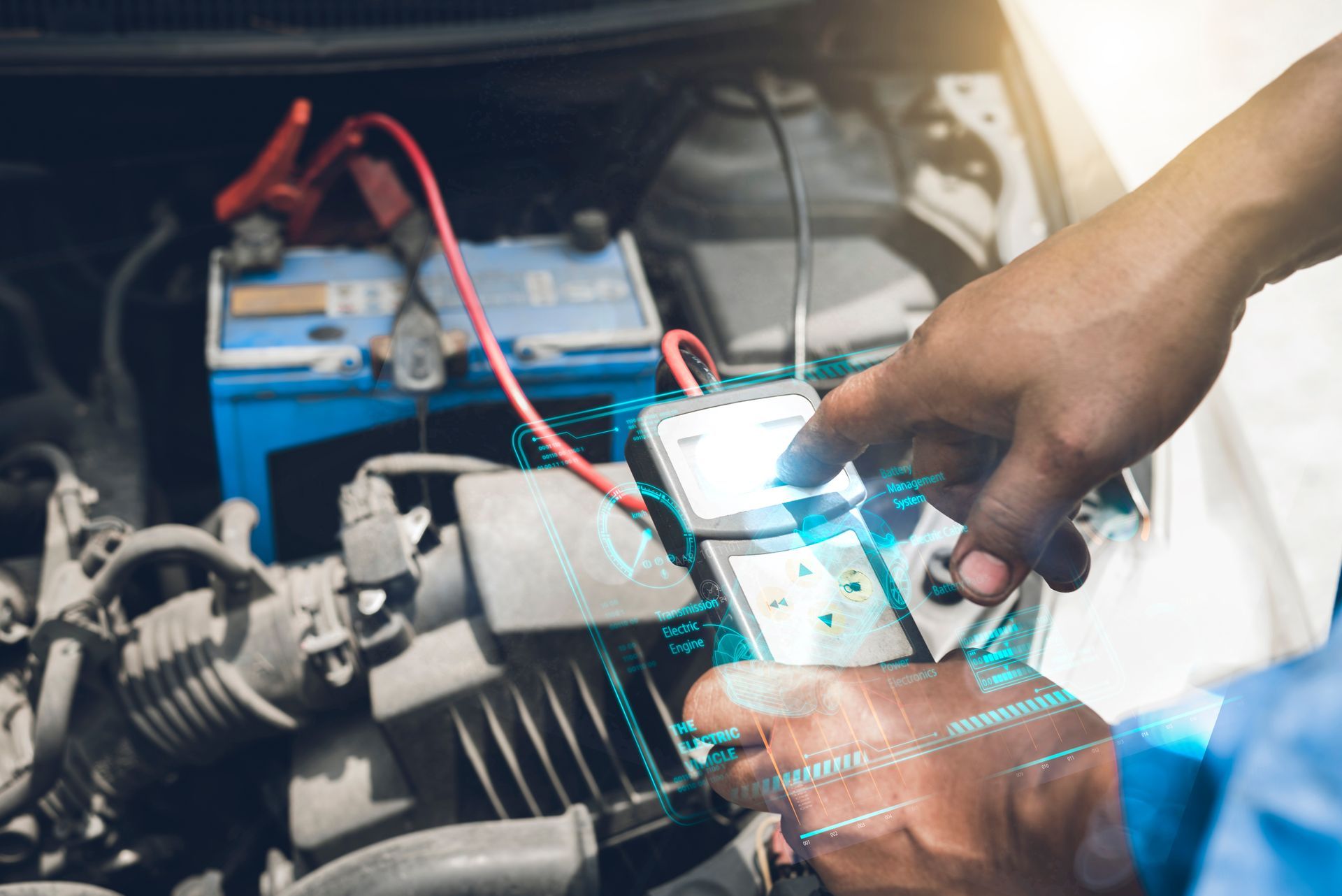
Infotainment modules need stable voltage. If the battery is weak or system voltage drops too far during startup, the radio or touchscreen may shut down and reboot even though the engine still starts.
This is especially common when a battery is getting older, or the vehicle has been sitting for several days. You may notice the screen restarting immediately after cranking, the clock resetting, or several electronic features acting strangely at the same time.
At our shop, battery and charging-system tests are among the first steps when several unrelated electronics behave inconsistently. Replacing a radio will not solve a voltage problem coming from the battery, alternator, or a poor electrical connection.
A Loose Power or Ground Connection Can Cut the System Off
The infotainment unit depends on power and ground connections just like any other electronic module. A loose connector, corroded ground, damaged wire, or weak terminal can interrupt power for a fraction of a second and force the system to restart.
These problems can be frustrating because they may appear only over bumps, during turns, or when the cabin temperature changes. A connection can look fine while the vehicle is parked and still lose contact when vibration moves the harness.
During an inspection, we look for voltage drops and connection problems rather than just checking whether voltage is present. A circuit can show normal voltage with very little load and still fail when the infotainment system is actually operating.
Software Problems Can Cause Repeated Reboots
Modern infotainment units are computers, and software faults can make them freeze or restart. The problem may begin after an update, after pairing a new device, or with no obvious change that the driver remembers.
Typical software-related behavior can include:
- The screen freezes before restarting
- The system repeatedly returns to the startup logo
- Bluetooth disconnects at the same time
- Navigation or audio stops responding
- The problem happens after connecting a specific phone
- Certain menus become unusually slow
A restart or software update may correct some faults, but repeated crashes need more attention. We check for available software procedures and stored module faults before assuming the hardware itself has failed.
Phones, USB Devices, and Accessories Can Trigger Problems
A connected device can sometimes cause the infotainment system to lock up. Phones, USB drives, adapters, aftermarket chargers, and other accessories communicate with the system or draw power from it.
If the problem started after adding something new, disconnecting that device is a useful test. A damaged USB cable or poorly behaving adapter can create problems that disappear as soon as it is removed.
We also look at aftermarket equipment installed near the radio or on the vehicle network. Remote starters, amplifiers, cameras, and other electronics can cause communication or power issues if wired incorrectly.
The Infotainment Module Itself Can Fail
Sometimes the problem really is inside the radio, touchscreen, amplifier, or infotainment control module. Internal memory faults, overheating electronics, failed circuit boards, or damaged display components can cause shutdowns that become more frequent over time.
Temperature can be an important clue. A unit that works first thing in the morning but restarts after the cabin gets hot may have an internal fault that appears as electronics warm up. Another system might fail when cold and improve after several minutes.
Before replacing an expensive module, we confirm that its power, ground, network communication, and related components are working correctly. Some replacement units also need programming or vehicle-specific setup before they will function properly.
Vehicle Network Problems Can Affect More Than the Screen
Infotainment systems communicate with other modules through the vehicle's data network. Depending on the vehicle, that can include steering-wheel controls, backup cameras, instrument displays, climate controls, amplifiers, and phone interfaces.
A problem elsewhere on the network can interrupt communication and make the infotainment unit appear to be failing. If several electronic features stop working at the same time, we look beyond the screen itself.
Regular maintenance will not prevent every software or module failure, but keeping the battery and charging system healthy reduces one major source of electronic trouble. When the problem is intermittent, noting whether it happens during startup, over bumps, after connecting a phone, or once the cabin gets hot can make diagnosis much faster.
Get Infotainment System Diagnostics In Alma, GA, With Dana Bros. Automotive & Diesel Repair
If your touchscreen, radio, navigation, or audio system keeps restarting or shutting off, Dana Bros. Automotive & Diesel Repair in Alma, GA, can check the battery voltage, wiring, software, network communication, and infotainment hardware to find the source.